介绍
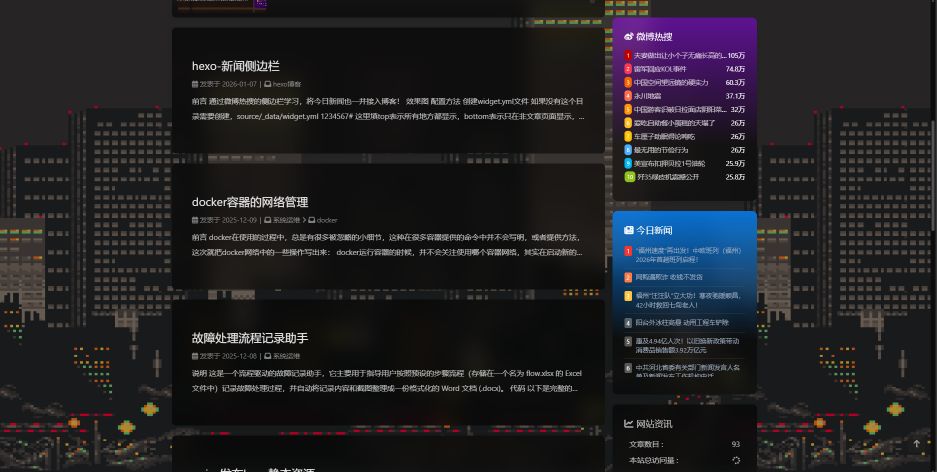
有一台闲置的电脑,只运行了nas,刚好我又有一个hexo博客,用nginx发布的话,在家里访问就秒响应,一点即开
部署
docker部署,实现系统隔离,这样作为物理机的电脑就算配置问题重置环境也不会特别麻烦;使用dockercompose.yml,方便重建。
docker安装可参考docker安装
创建配置文件
- nginx配置文件
1
2
3
4
5
6
7
8
9
10
11
12
13
14
15
16
17
18
19
20
21
22
23
24
25
26
27
28
29
30
31
32
33
| mkdir /var/html/w00123/nginx/conf.d
vim /var/html/w00123/nginx/nginx.conf
user root;
worker_processes auto;
error_log /var/log/nginx/error.log notice;
pid /var/run/nginx.pid;
events {
worker_connections 1024;
}
http {
include /etc/nginx/mime.types;
default_type application/octet-stream;
log_format main '$remote_addr - $remote_user [$time_local] "$request" '
'$status $body_bytes_sent "$http_referer" '
'"$http_user_agent" "$http_x_forwarded_for"';
access_log /var/log/nginx/access.log main;
sendfile on;
#tcp_nopush on;
keepalive_timeout 65;
#gzip on;
include /etc/nginx/conf.d/*.conf;
}
|
1
2
3
4
5
6
7
8
9
10
11
12
13
14
15
16
17
18
19
| vim /var/html/w00123/nginx/conf.d/default.conf
server {
listen 80;
server_name localhost;
root /usr/share/nginx/html;
index index.html index.htm;
location / {
try_files $uri $uri/ = 404;
}
# 静态资源缓存规则(7 天有效期)
location ~* \.(js|css|png|jpg|jpeg|gif|ico|svg|woff|woff2|ttf|eot)$ {
expires 7d; # 缓存有效期 7 天
add_header Cache-Control "public, max-age=604800"; # 604800 秒 = 7 天
access_log off; # 关闭静态资源访问日志,减少磁盘IO
}
}
|
- dockercompose.yml
1
2
3
4
5
6
7
8
9
10
11
12
13
14
15
16
17
18
19
20
21
22
23
| vim /var/html/w00123/dockercompose.yml
version: '3.8' # Compose 文件版本,适配主流 Docker 版本
services:
nginx-hexo: # 服务名称,可自定义
image: nginx:latest # 使用官方最新版 Nginx 镜像
container_name: nginx-hexo-web # 容器名称,方便管理
ports:
- "8080:80" # 宿主机80端口映射到容器80端口
volumes:
# 挂载 Hexo 生成的静态网页目录(只读)
- /var/html/w00123/public:/usr/share/nginx/html:ro
# 挂载自定义 Nginx 配置目录(只读)
- /var/html/w00123/nginx/conf.d:/etc/nginx/conf.d:ro
- /var/html/w00123/nginx/nginx.conf:/etc/nginx/nginx.conf:ro
restart: always # 容器意外停止时自动重启
# 可选:限制容器资源使用,避免占用过多服务器资源
deploy:
resources:
limits:
#cpus: '0.5'
memory: 1G
|
生成静态资源
命令生成静态网页public后放到目录/var/html/w00123/pulic
拉起容器
可以手动拉镜像再拉容器,拉取镜像命令
拉起容器命令,在dockercompose.yml目录下执行